Install Clarido on your Apple Watch in minutes
These instructions are for iPhone users only. The watch app installs through the iPhone Watch app and requires you to be logged into Clarido on your iPhone. Minimum supported version is watchOS 10.6.
iPhone required
The watch app installs from the iPhone Watch app. It will not appear if you only use an iPad or Android phone.
Sign in first
Open Clarido on your iPhone and make sure you are logged in before installing on the watch.
Install takes a moment
Keep your iPhone near your watch while the install completes. The Watch app will show progress.
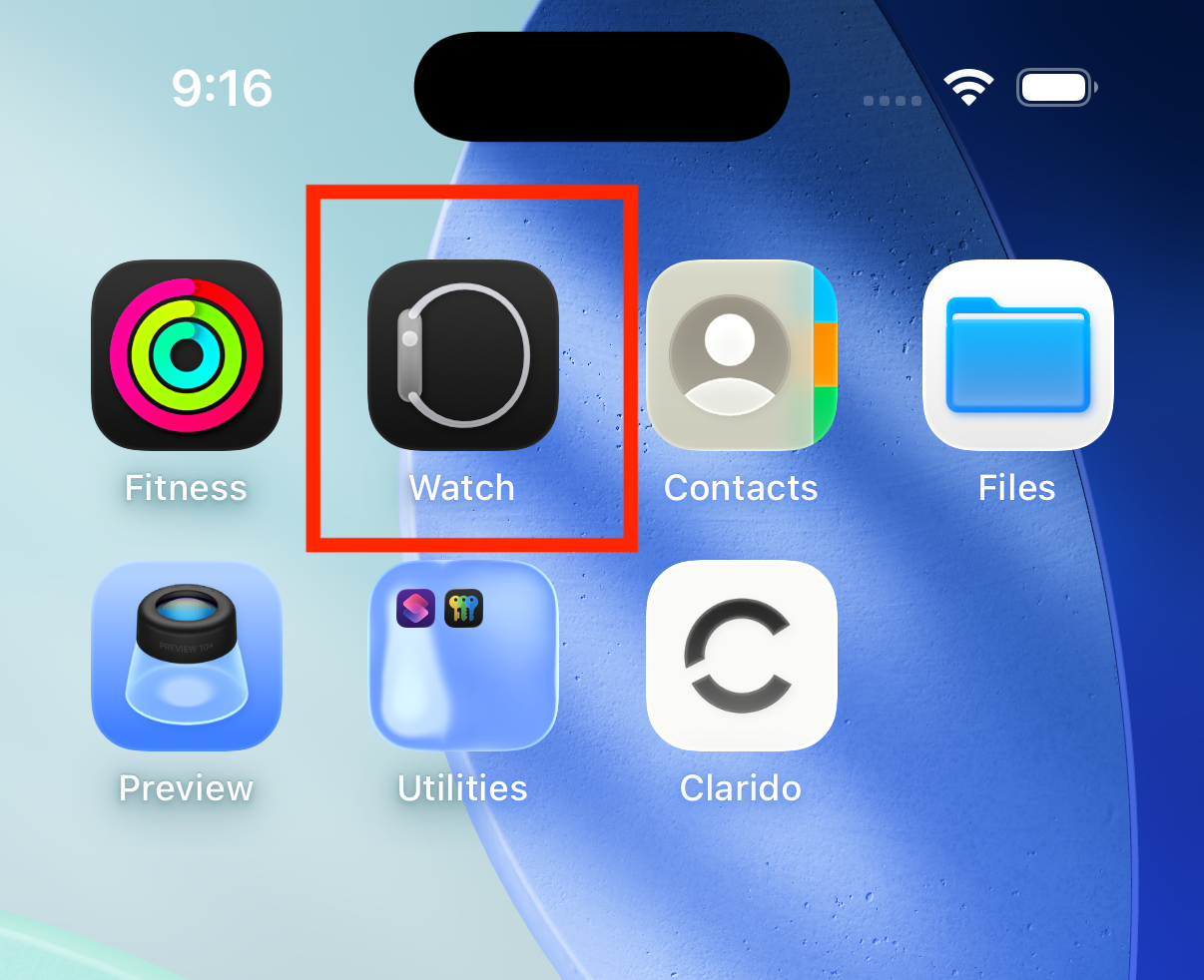
1. Open the iPhone Watch app
Find and open the Watch app from your iPhone home screen. This is where you install and manage your watch apps.
2. Install from the iPhone Watch app
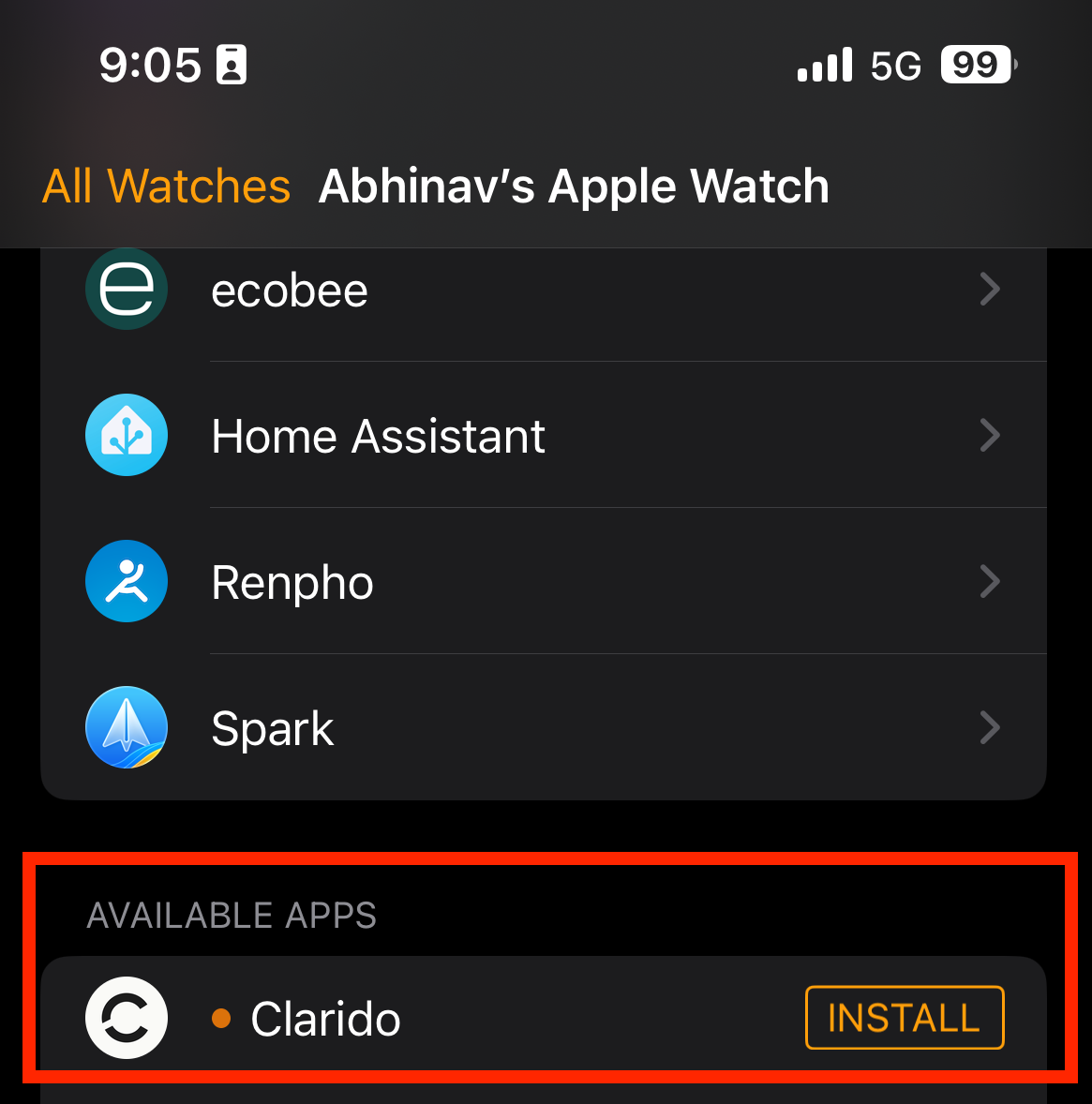
Once you are in the Watch app, use search for Clarido or scroll to Available Apps.
Tap Install next to Clarido. The watch app will download and appear on your Apple Watch.
Keep your iPhone near your watch while the install completes.
3. Start recording on your watch
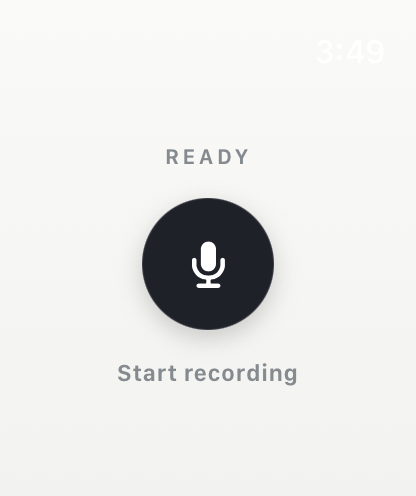
Open Clarido on your watch. You will see the ready screen, tap record, and keep talking. Recordings are limited to 30 minutes per session.
Ready to record
Tap the record button when you are ready to capture a moment.
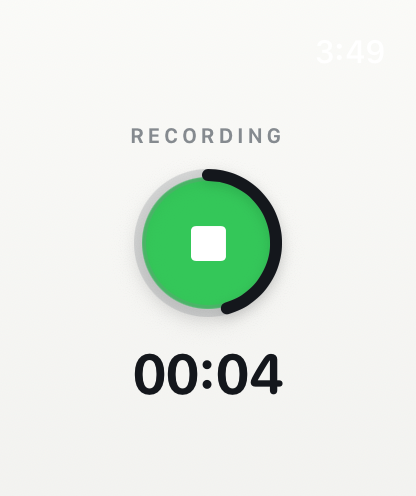
Recording in progress
The watch shows you are recording. Limit is 30 minutes per session.
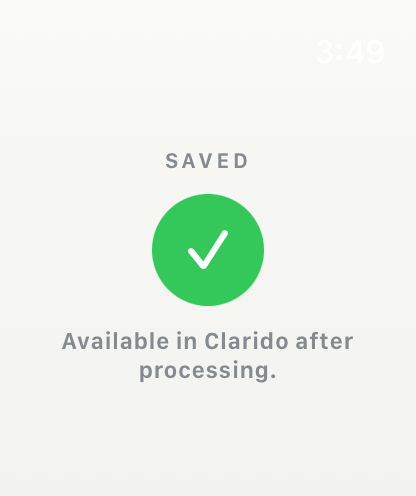
Saved & uploading
Your recording is saved and will upload automatically. It appears in Clarido once your device is online.
Need help? Make sure your iPhone and watch are connected and that Clarido is logged in on your iPhone. Then retry the install in the Watch app. You can also email us at support@clarido.app.